
Pulse for title & escrow companies
You got a check-in email. Here is what it is, how to answer in two taps, and where your answer goes.
- Who this is for:
- title & escrow companies
- Updated
- Sep 5, 2026
- 3 min read
An agent's team asked you one question about a closing. Here is what the email is, how to answer in two taps, and where your answer goes. You do not need an account. Nothing you say goes to the buyer or seller.
You got an email
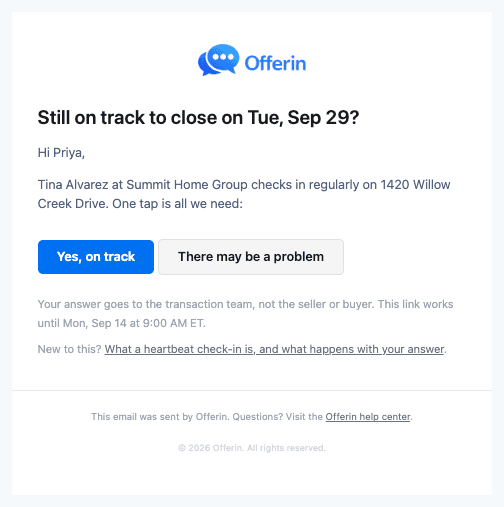
The brokerage uses Offerin. Once a week, Offerin asks each key party one question: Still on track to close on Tue, Sep 29?
The email comes from Offerin, but the reply address is the coordinator's. You can just reply. The buttons are faster.
Two taps, and you are done
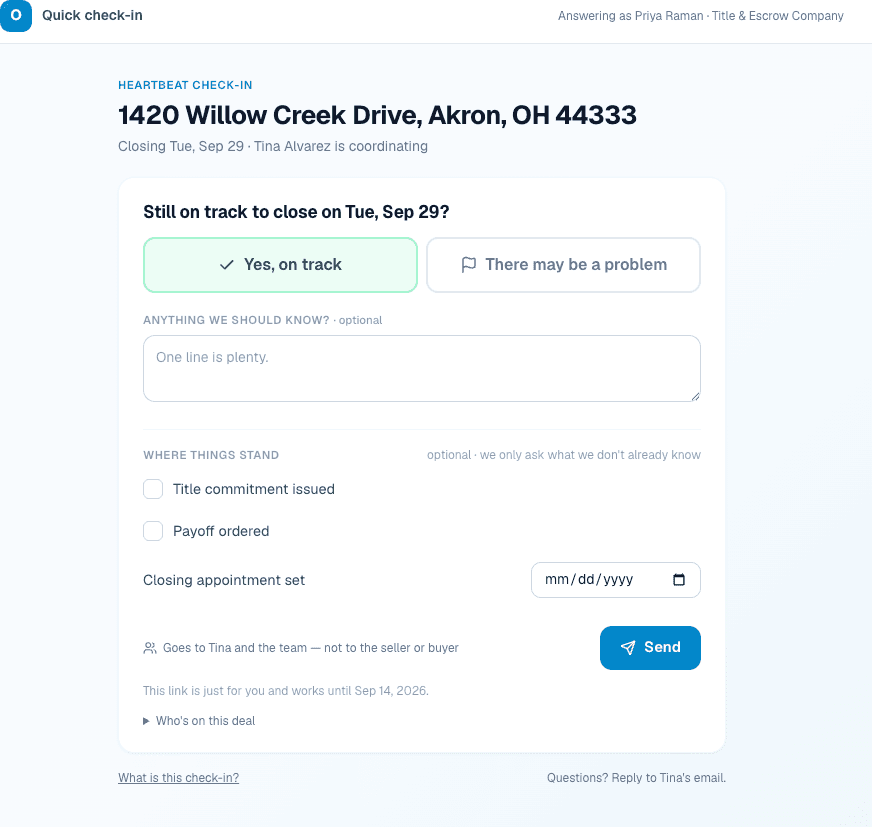
- Tap Yes, on track in the email.Your page opens with that answer picked. No login.
- Add a line if you have one.Optional. It goes to the coordinator word for word.
- Press Send.Done. The team sees your answer in seconds.
When there may be a problem
If the closing date is at risk, tap There may be a problem. The page asks what the issue is and what you need. That note is required. If you know the date is moving, add your best guess for the new date.
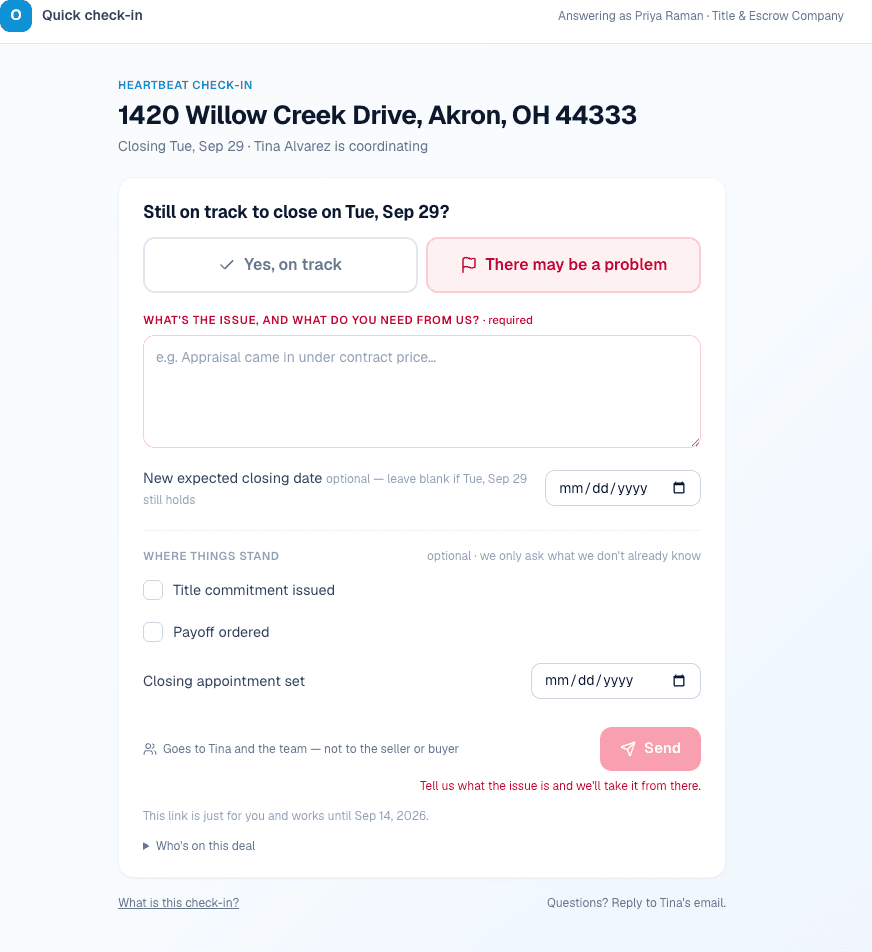
Your answer goes to the coordinator right away. Expect a call or email from a person, not a robot.
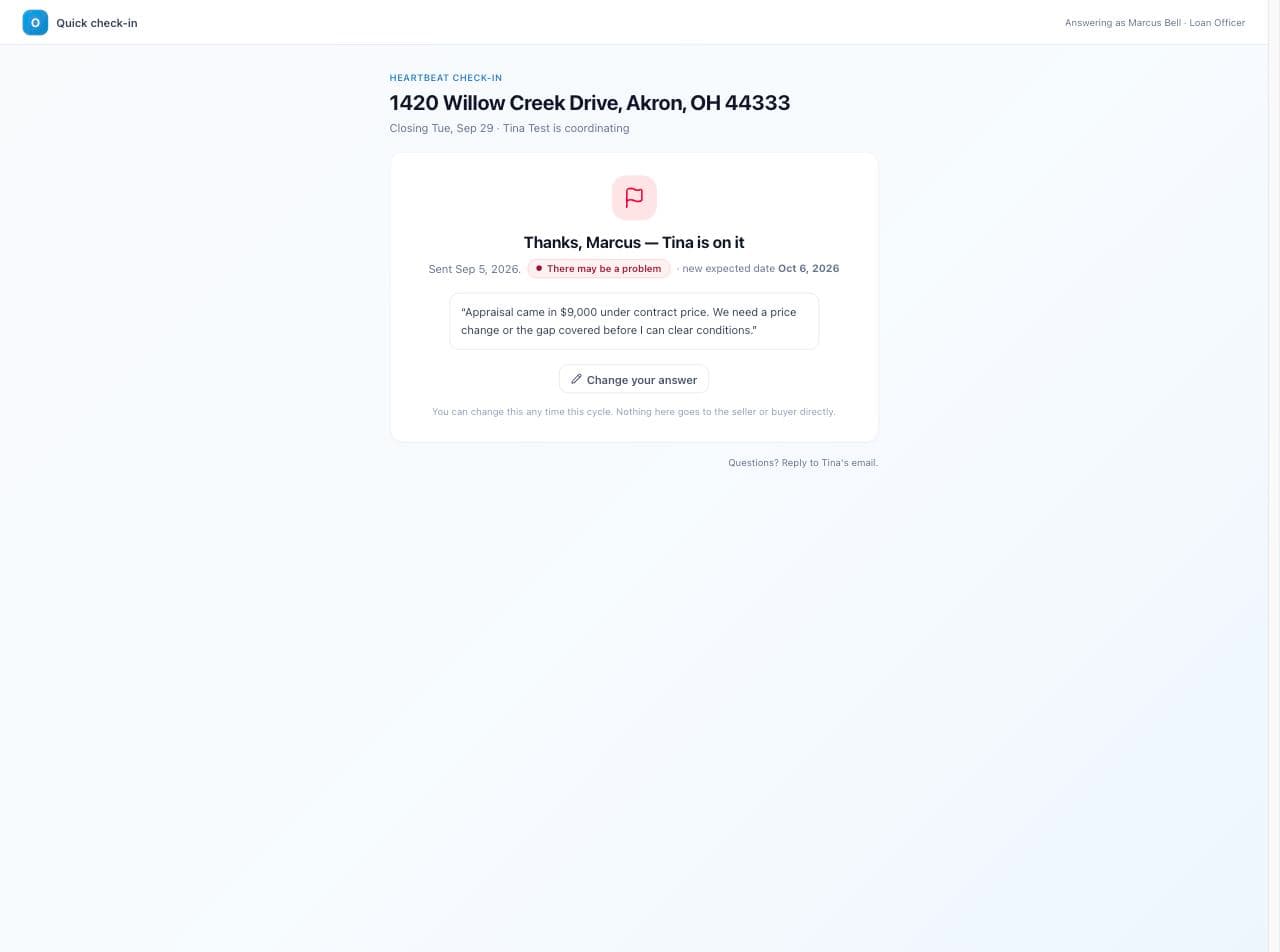
Where things stand
Below the question is a short list. It is optional. It only asks what the team does not already know.
- Title commitment issued. Tick it once the commitment is out.
- Payoff ordered. Tick it once the payoff is requested.
- Closing appointment set. A date. Fill it in when the signing is booked.
What you tick shows on the deal next to your name. It carries into next week, so you are not asked again.
Your private link
- It is yours. Do not forward it. Whoever opens it answers as you.
- It works for about a week. The exact date is at the bottom of the page.
- You can change your answer. Open the link again. Sending again replaces it.
- When it expires, the page shows only the coordinator's name and email. Next week's email brings a new link.
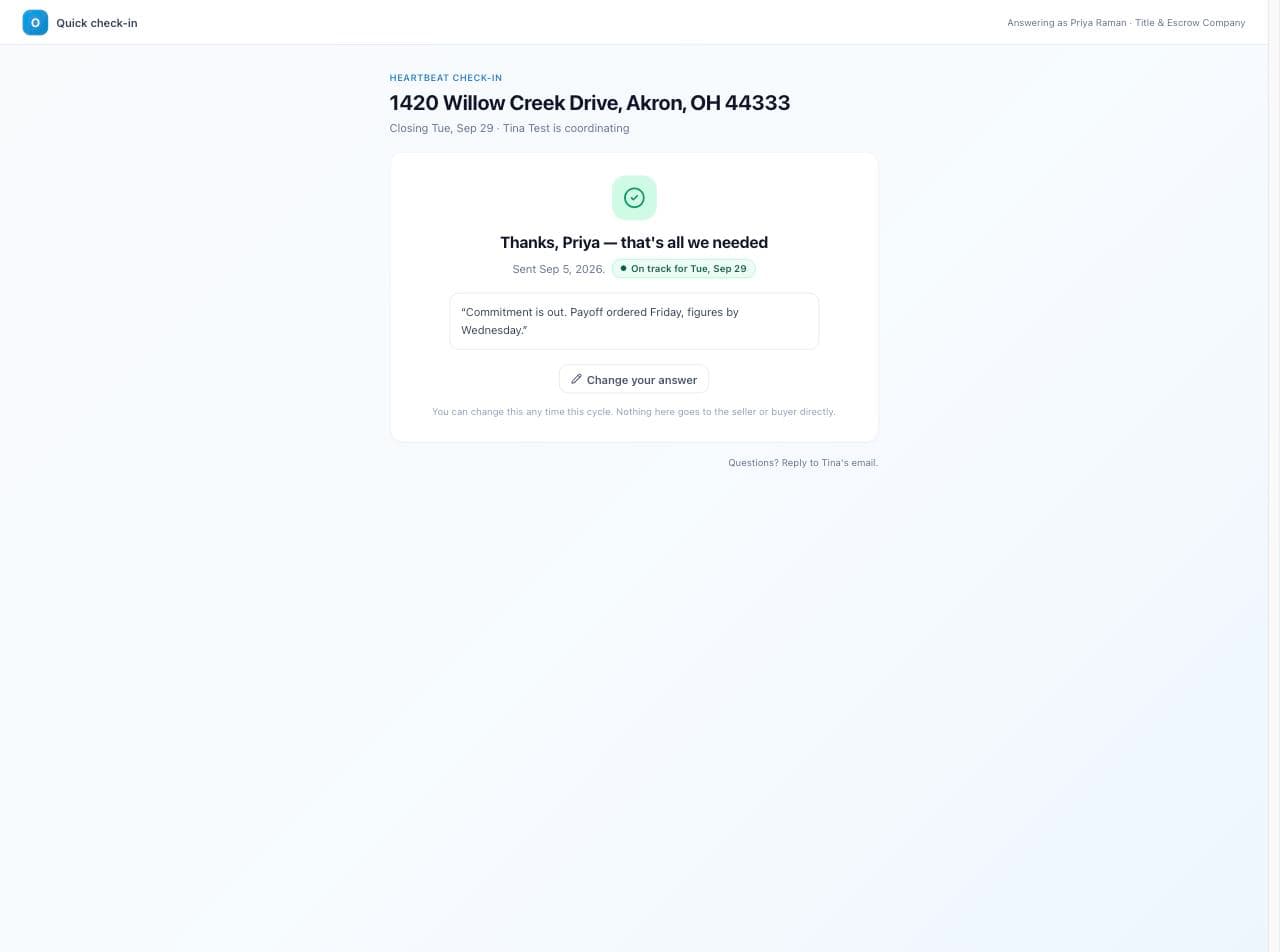
Who sees your answer
You are not emailed about anyone else's answer. Questions about the deal? Reply to the email. The full list of what Pulse sends is in Who gets told, and when.
Try it

This is the real check-in page on a made-up deal. Answer it and watch the right side. Nothing is saved or sent.
This is the real check-in page on a pretend deal. Pick an answer and press Send. Watch the right side.
1420 Willow Creek Drive, Akron, OH 44333
Closing Tue, Sep 29 · Tina Alvarez is coordinating
Related articles
You got a check-in email. Here is what it is, how to answer in two taps, and where your answer goes.
Every email and text Pulse sends, who gets it, and the one rule: clients only hear what the team sends.
A short tour of Pulse, the weekly check-in that keeps every deal moving.